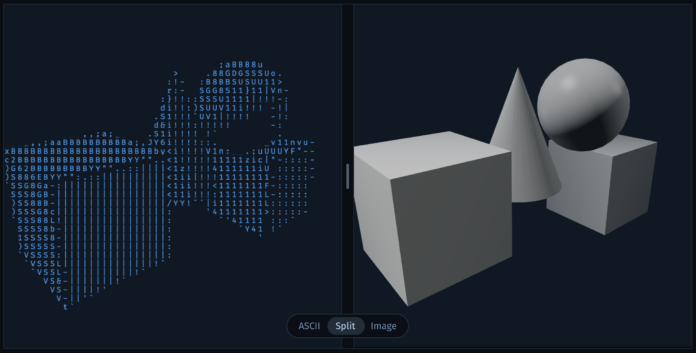

ASCII art is text-based art that uses printable characters instead of pixels. Alex Harri made an image-to-ASCII renderer for himself and explains the process of converting images to text.
I started building my ASCII renderer to prove to myself that it’s possible to utilize shape in ASCII rendering. In this post, I’ll cover the techniques and ideas I used to capture shape and build this ASCII renderer in detail.
We’ll start with the basics of image-to-ASCII conversion and see where the common issue of blurry edges comes from. After that, I’ll show you the approach I used to fix that and achieve sharp, high-quality ASCII rendering. At the end, we’ll improve on that by implementing the contrast enhancement effect I showed above.
The interactive elements in the explainer make the concepts much easier to understand. Otherwise, you’d just be looking at a bunch of matrices.
And I now have a greater appreciation for the ASCII art from my BBS-ing days. I’d dial in to someone’s computer using my 2400 bps modem and a text graphic greeted you character-by-character. The good old days.